
Productivity Tips
Modernise Legacy Kiosks Without New Hardware
Published: 05/11/2026
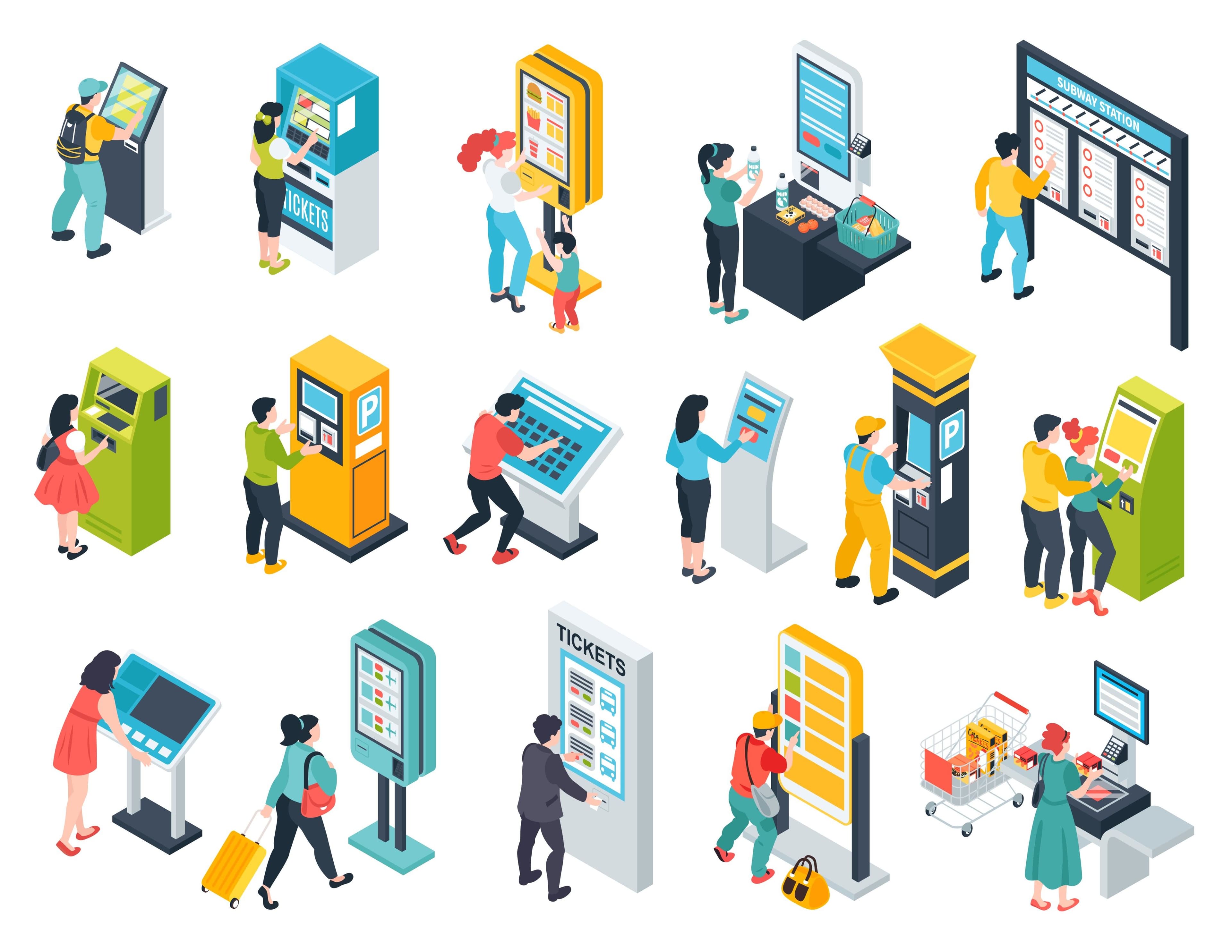
Most operators that offer self-service already own the machines. SIM kiosks, bill payment kiosks, cash deposit machines: the enclosures, screens and peripherals often still work. What has aged is the software. Legacy kiosks usually run a separate application that was built once, drifts away from the brand’s mobile app and supports only one or two journeys.
You don’t need to replace the hardware to fix that. You need to replace the way the kiosk gets its software, and the way it talks to your back end.
Why legacy kiosks fall behind
Four problems show up in almost every legacy estate:
- Out of date. Offers, prices and branding on the kiosk lag weeks behind the app, so customers see two versions of the same brand.
- A few journeys only. Bill payment works, but SIM sales, SIM replacement, plan changes and onboarding still send customers to the counter.
- Built twice. The kiosk has its own codebase, its own team and its own test cycle, so every change costs twice.
- Locked to one vendor. The application talks to devices directly, so changing a cash acceptor or printer means rewriting it.
Modernise the frontend: bring your app to the kiosk
Weave, a feature of Azimut SDK, runs your existing Android, iOS or web app natively on self-service kiosks. Customers get the same look, journeys and offers they already know from your app, and new releases reach the kiosk as part of your normal app delivery.
Weave works in two modes. Weave Mirror uses AI-assisted tooling to apply changes from your app to the kiosk app, with automated tests and staged, reversible releases, and keeps your existing kiosk software. Weave Embed runs your app on a device inside the kiosk, so kiosk updates arrive with the same release as phones. In both modes the kiosk’s card, cash, ID, SIM and printer hardware stays in a Windows enclave under Azimut SDK.
Keep the hardware: one API for every device
Azimut SDK sits between the application and the peripherals. The app requests a device operation through one JSON API; the SDK handles the driver, the vendor protocol and the device status. When a site uses a different supported model, the driver changes and the application doesn’t. Check your models against the compatibility evidence before planning a rollout. A model that is new to the catalogue may need a driver and validation first.
Keep the back end: let middleware do the translation
A modern app frontend still has to work with the systems you already run. Azimut middleware sits between the kiosk and your back end and translates each request: REST for modern services such as catalogue, eKYC, payments and eSIM provisioning; SOAP/XML and message queues for legacy billing and CRM; and SFTP for KYC document archives. Your legacy platforms stay where they are, and each integration is confirmed during scoping.
Roll it out without a big bang
- Start with one journey on supported hardware, such as bill payment or SIM replacement, in a pilot group of sites.
- Release in stages with Satellite: target a small group of kiosks, review reported installation outcomes, then expand.
- Keep old and new kiosks in one view while the estate transitions. Available diagnostics depend on the operating system, hardware and permissions.
Upgrading the software layer avoids procurement, logistics and disposal costs, and lets new services reach existing machines through a release rather than a site visit.
See how this works for operators on the telecom self-service page, or talk to us about the kiosks, app and back end you already have.
Related solutions
Where this work fits in the platform.
Try it yourself
Book a demo
See how Azimut SDK works in your self-service environment. We'll walk through your use case, hardware setup, and integration options.
Continue reading
Reading ID Chip Data for Kiosk Identity Workflows
Separate document capture, chip access, signature validation and the identity decision when integrating ID rea…
Beyond Automation: How Predictive AI Personalises Every Interaction
Turn self-service interactions into personalised moments with Predictive AI.
Recommendation AI: Turning Data Into Seamless, Personalised Experiences
Bring personalisation to kiosks with real-time Recommendation AI.