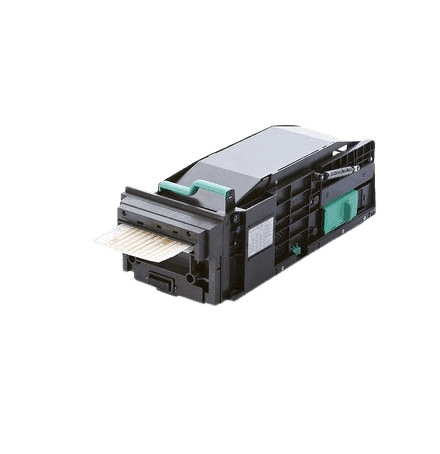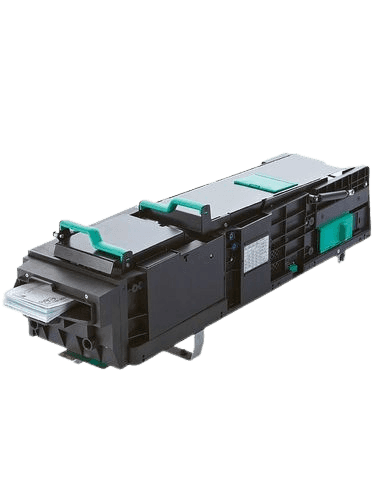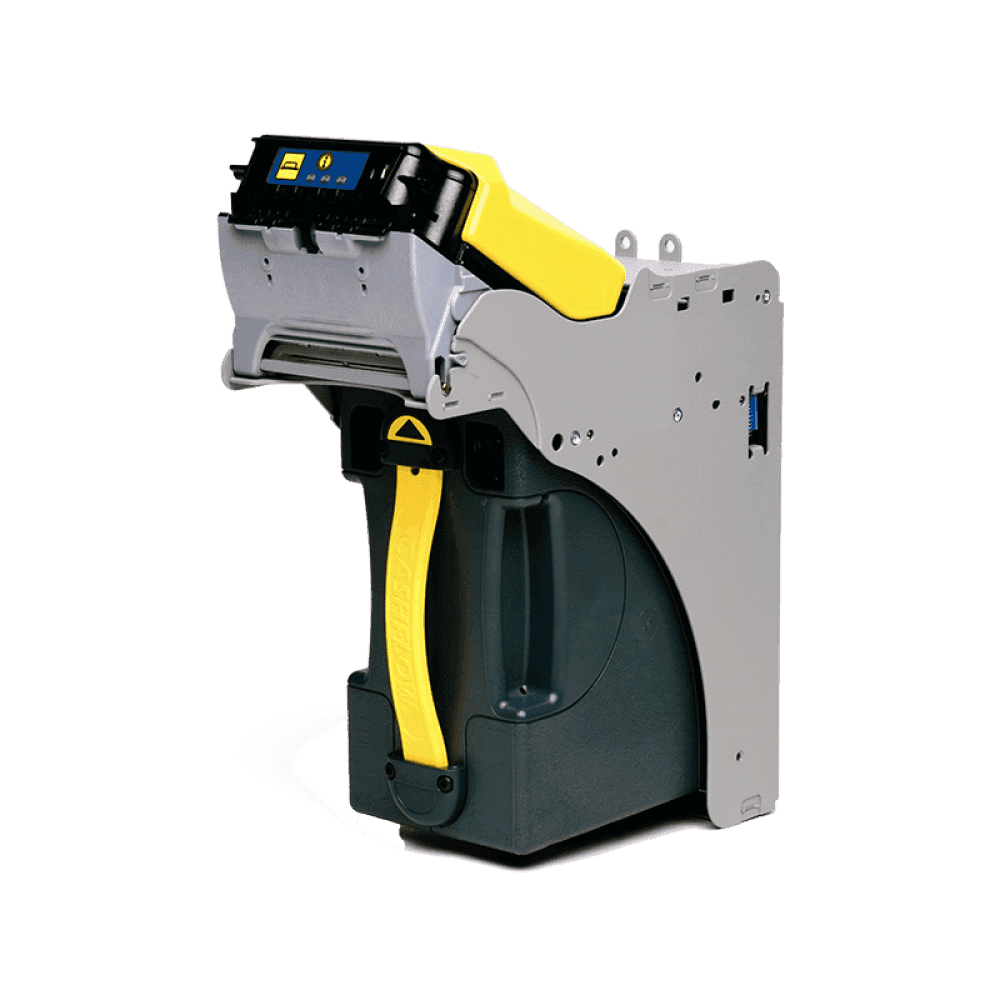

Compact Multi Cassette Media Dispenser
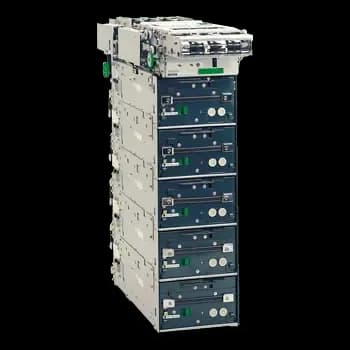
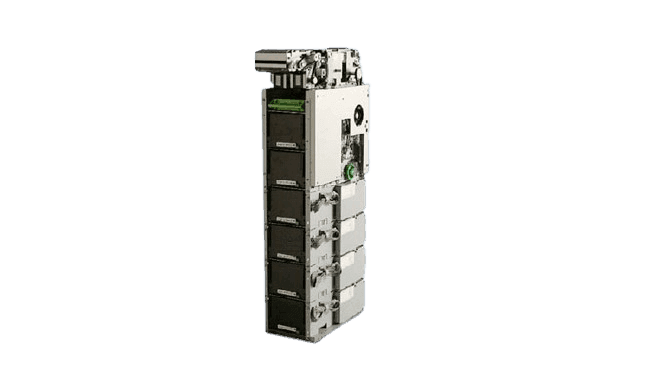
Fujitsu F53 cash dispenser integration for kiosk applications. Match the dispenser variant, cassette configuration and banknotes to the supported runtime before deployment.
 Cash dispenser
 Configuration-specific capacity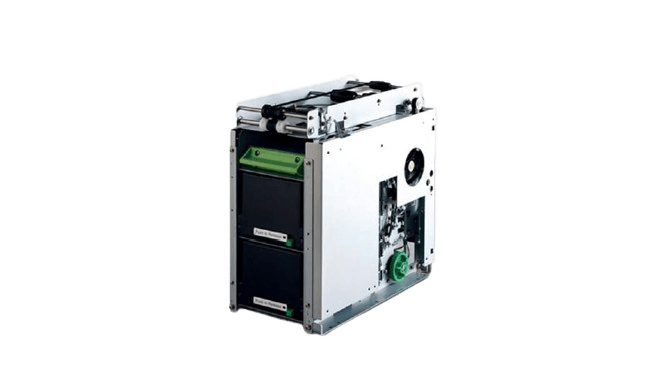
Connect supported cash-dispensing operations through the Azimut SDK.
Integration & JSON API
Integrate the Fujitsu F53 with your platform
The F53 connects over RS232C, and your application does not need to speak that protocol. The SDK drives the serial interface on the kiosk and exposes the dispenser through a JSON API, so an existing platform integrates the F53 the same way it integrates any other device — with an HTTP call.
Two operations carry the core flow. Check that the dispenser is ready before the session reaches the cash step, then request the amount and read the result from the shared response envelope. Readiness, cassette state, and faults are reported in the same response shape rather than in serial status bytes.
See the JSON API and examples in every languageusing System.Net.Http.Json;
using System.Text.Json;
using System.Text.Json.Serialization;
record ApiEnvelope(
[property: JsonPropertyName("code")] string Code,
[property: JsonPropertyName("message")] string? Message,
[property: JsonPropertyName("data")] JsonElement? Data);
var api = new HttpClient { BaseAddress = new Uri("http://localhost:8080") };
// 1. Confirm the F53 is ready before the cash step starts.
var status = await api.GetFromJsonAsync<ApiEnvelope>(
"api/hardware/cash-dispenser/check-dispenser");
if (status?.Code != "0000")
throw new InvalidOperationException($"F53 not ready: {status?.Message}");
// 2. Dispense the requested amount.
var response = await api.PostAsJsonAsync(
"api/hardware/cash-dispenser/dispense-amount",
new { amount = "5000" });
var result = await response.Content.ReadFromJsonAsync<ApiEnvelope>();
if (result?.Code != "0000")
throw new InvalidOperationException($"Dispense failed: {result?.Message}");